

 02/09/2024
 Facing UI/UX Challenges in Multi-Platform Application Development
In today's digital era, multi-platform application development is becoming an increasingly urgent need for businesses that want to reach more users. However, the main challenge in this process is ensuring a consistent us
 by Administrator
  Bestada
 Copy Link
  News
News Facing UI/UX Challenges in Multi-Platform Application Development


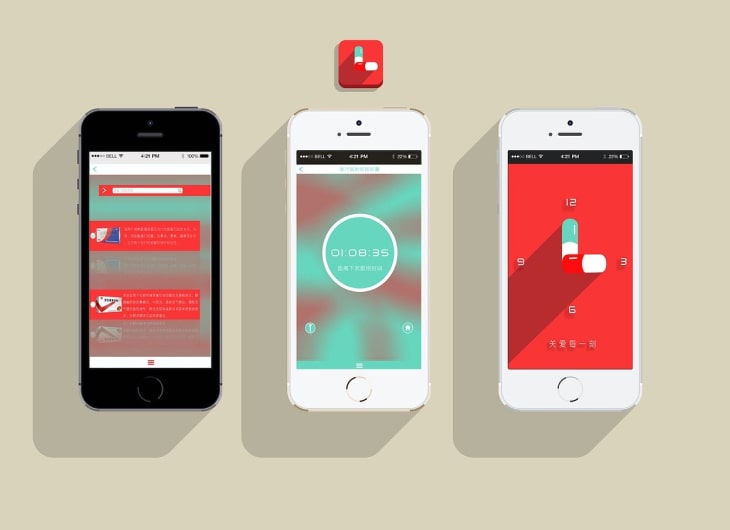
In today's digital era, multi-platform application development is becoming an increasingly urgent need for businesses that want to reach more users. However, the main challenge in this process is ensuring a consistent user experience (UX) and intuitive user interface (UI) across multiple platforms. This article will discuss some of the UI/UX challenges that often arise in multi-platform application development and how to overcome them.
1. Design Consistency Between Platforms
One of the biggest challenges is maintaining consistent UI design across platforms, such as Android, iOS, and the web. Each platform has different design guidelines, such as Material Design for Android and Human Interface Guidelines for iOS. Integrating these guidelines while maintaining a consistent brand identity can be tricky.
Solution: Use responsive design and multi-platform frameworks like Flutter or React Native that allow developers to write one basic code that can be adapted for multiple platforms. This helps maintain consistency while taking advantage of the unique features of each platform.
2. Different User Experiences on Each Platform
Users have different expectations for applications on each platform. For example, iOS users may expect smooth animations and fast transitions, while Android users may focus more on easy navigation and access to the device's built-in features.
Solution: Conduct user research to understand specific preferences on each platform. Based on these results, adjust the UX to meet user expectations on each platform without sacrificing functionality or aesthetics.
3. Performance Limitations
Developing multi-platform applications can cause performance problems, especially when the application must run on devices with different specifications. Inefficient use of resources can result in a poor user experience, such as long load times or lag in animations.
Solution: Optimize the code and media used in the application, and perform regular performance testing on various devices. Consider using techniques such as lazy loading to reduce the initial load of the application.
4. Handling Platform Updates
Each platform frequently updates their operating system and policies, which can impact how your app functions. For example, changes in security or privacy policies may force developers to update their app's UI/UX.
Solution: Always update your application according to the latest updates on each platform. Create a fast and flexible update system, and ensure that the development team is always up to date with the latest developments on each platform.
5. Platform Specific Feature Integration
Features like push notifications, geolocation, and mobile payments often work differently on each platform. Integrating these features while maintaining a consistent UI/UX can be a challenge.
Solution: Leverage the APIs or SDKs provided by each platform to ensure seamless integration. Adaptive UI design can also help ensure that these features work well across all platforms without sacrificing user experience.
Conclusion
Facing UI/UX challenges in multi-platform application development requires a careful and planned approach. By prioritizing design consistency, customizing the user experience, optimizing performance, and staying up to date with platform developments, you can create an app that is not only visually appealing, but also offers a superior user experience across multiple platforms.
Key Takeaways

- Practical technology insight
- Business-focused implementation
- Reliable IT planning
- Continuous improvement


